FREE COLOR BLIND TEST NO SIGNUP REQUIRED 300 MILLION PEOPLE AFFECTED WCAG 2.2 COMPLIANCE SCIENTIFICALLY ACCURATE INSTANT RESULTS FREE COLOR BLIND TEST NO SIGNUP REQUIRED 300 MILLION PEOPLE AFFECTED WCAG 2.2 COMPLIANCE SCIENTIFICALLY ACCURATE INSTANT RESULTS
Machado 2009 Color Vision Tools
COLOR BLINDNESS SIMULATOR.
See designs under deuteranopia, protanopia, tritanopia,
and achromatopsia. Upload an image or URL. Free Ishihara,
D-15, and FM-100 screens live on their own pages—no
signup.
Simulate protanopia, deuteranopia, tritanopia, and
complete achromatopsia with scientifically accurate
color shifts.
02 — Test Any Design
Test Any Design
Upload images, screenshots, or enter a website URL
to see instant results — no account required.
03 — Performance
Fast & Accurate
Real-time previews powered by advanced rendering
ensure your accessibility checks don’t slow
you down.
04 — Compliance
WCAG Compliance
Check if your colors meet the Web Content
Accessibility Guidelines for contrast and
visibility.
Process
How to Screen for Color Blindness
Use our free tools in three steps — whether
you’re checking your own vision or testing a
design for WCAG accessibility compliance.
01
Take the Ishihara Test
Step through 18 color plates. Each shows a number
hidden in colored dots — visible differently
based on your color vision. Results in under 2
minutes, no sign-up needed.
Upload any image or enter a website URL to preview
how it looks under protanopia, deuteranopia,
tritanopia, or achromatopsia — instantly, in
the browser.
Approximately 8% of men and 0.5% of women worldwide have
some form of CVD. Each type affects color perception
differently — take a dedicated test to identify
yours.
Approximately 300 million people worldwide
have some form of color vision deficiency — roughly
8% of all men. Color accessibility is not optional; it is
a legal requirement under WCAG 2.2 (criteria 1.4.1 and
1.4.3) for most digital products.
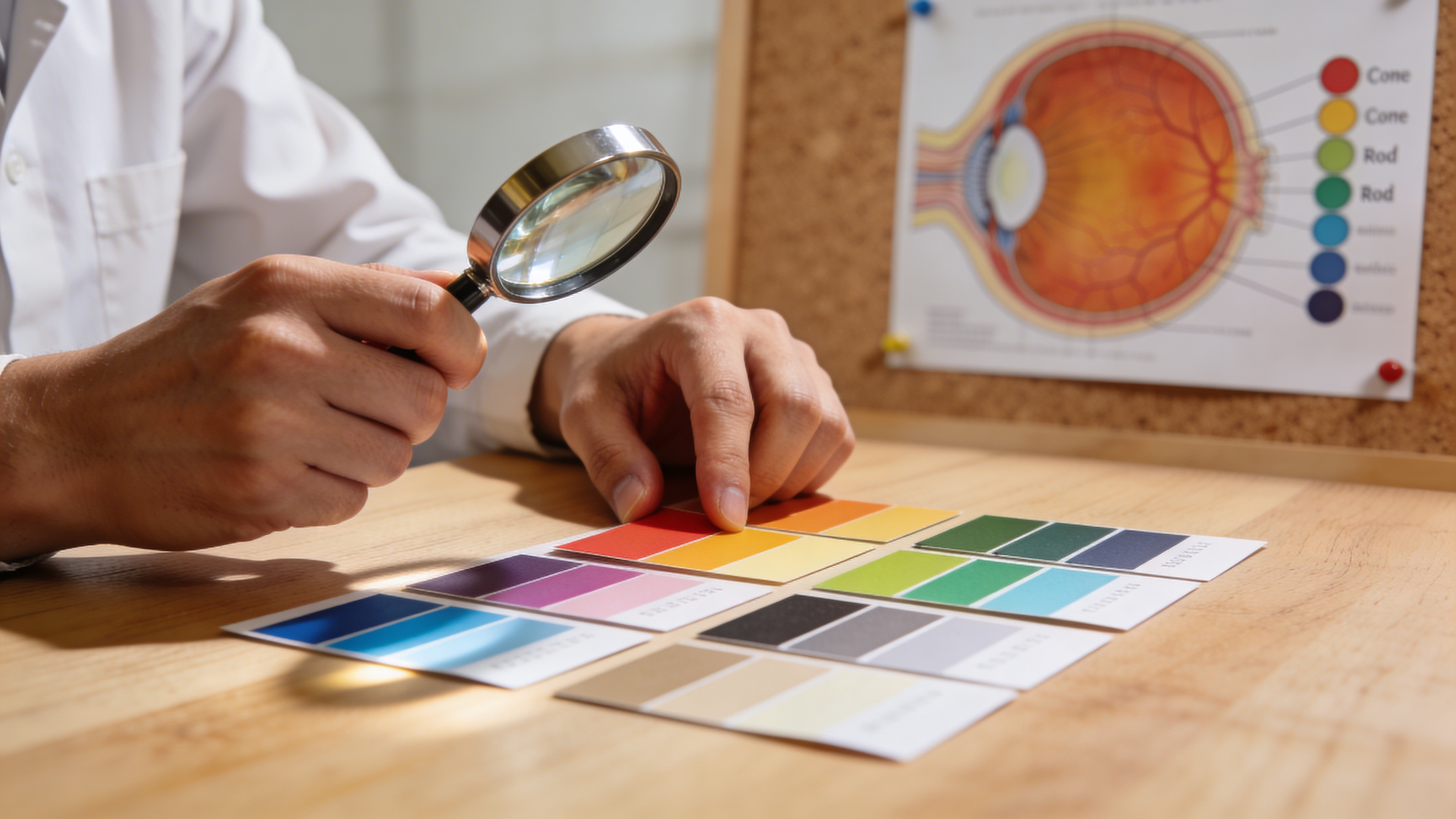
Learn how color vision deficiency impacts hiking, fishing, climbing, and team sports. Real solutions and gear recommendations for outdoor enthusiasts with CVD.
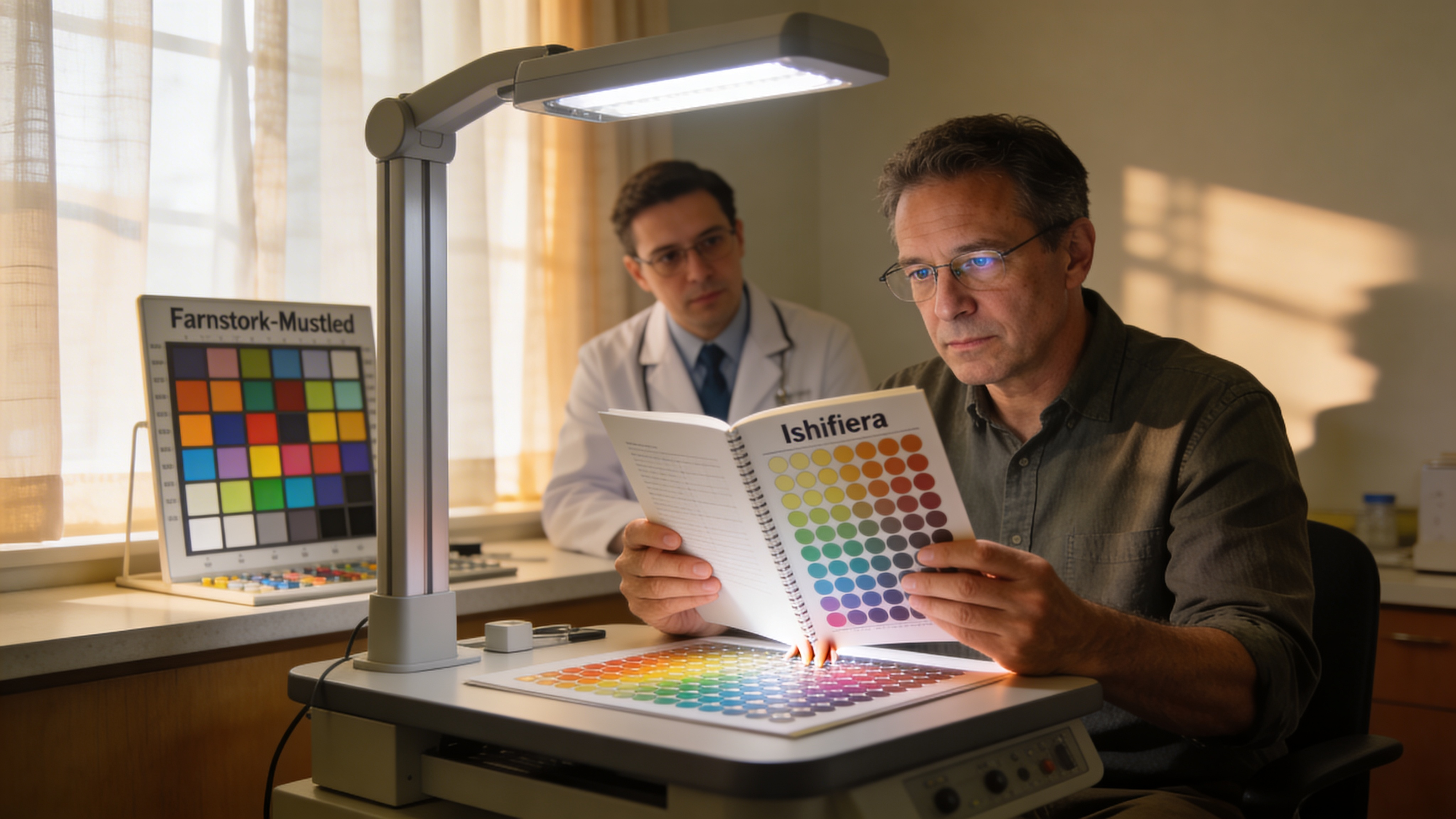
Online screening is a start—not a diagnosis. Learn when results warrant an optometrist or specialist, red flags, and what professional CVD testing usually involves.
Simulator accuracy, CVD types, and where the free
screening tests live.
What is DeficiencyView?
DeficiencyView is a free browser toolkit: a Machado
2009 color blindness simulator for images and live
URLs, WCAG contrast checks, and optional vision
screens. The 18-plate Ishihara-style test is at
/color-blind-test.
Arrangement formats are
D-15 and
FM-100.
No account required.
What are the four types of color vision deficiency?
The four clinically recognized types are: Deuteranopia (green-blind) — the most common form, greens and
reds appear as yellows; Protanopia
(red-blind) — reds appear very dark or black;
Tritanopia (blue-blind) — blues
appear greenish, yellows shift pink; and Achromatopsia (complete color blindness) — all colors are perceived
as shades of grey.
Where is the free color blind test?
The Ishihara-style 18-plate screen is
the color blind test page
— free, no signup, under two minutes. Designers
should start with the
simulator on this
homepage instead.
How accurate is the color blindness simulator?
Simulations use the Machado, Oliveira & Fernandes
(2009) transformation matrices. Processing runs in
your browser. Online vision screens are not a clinical
diagnosis—see an optometrist for that.